Tab groups
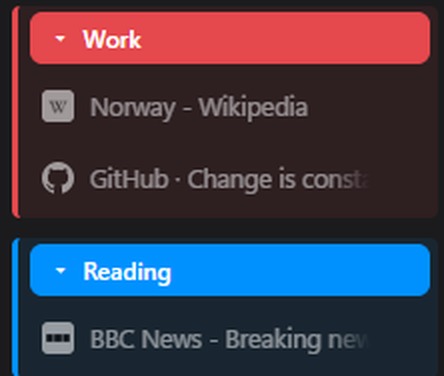
- Name it, color it
- Click the chip to fold the group
- Right-click to rename or close it
A small Windows browser that cancels ads and trackers before they download. In beta, built by one person.
Drag the picture. Same page, blocker off and on.
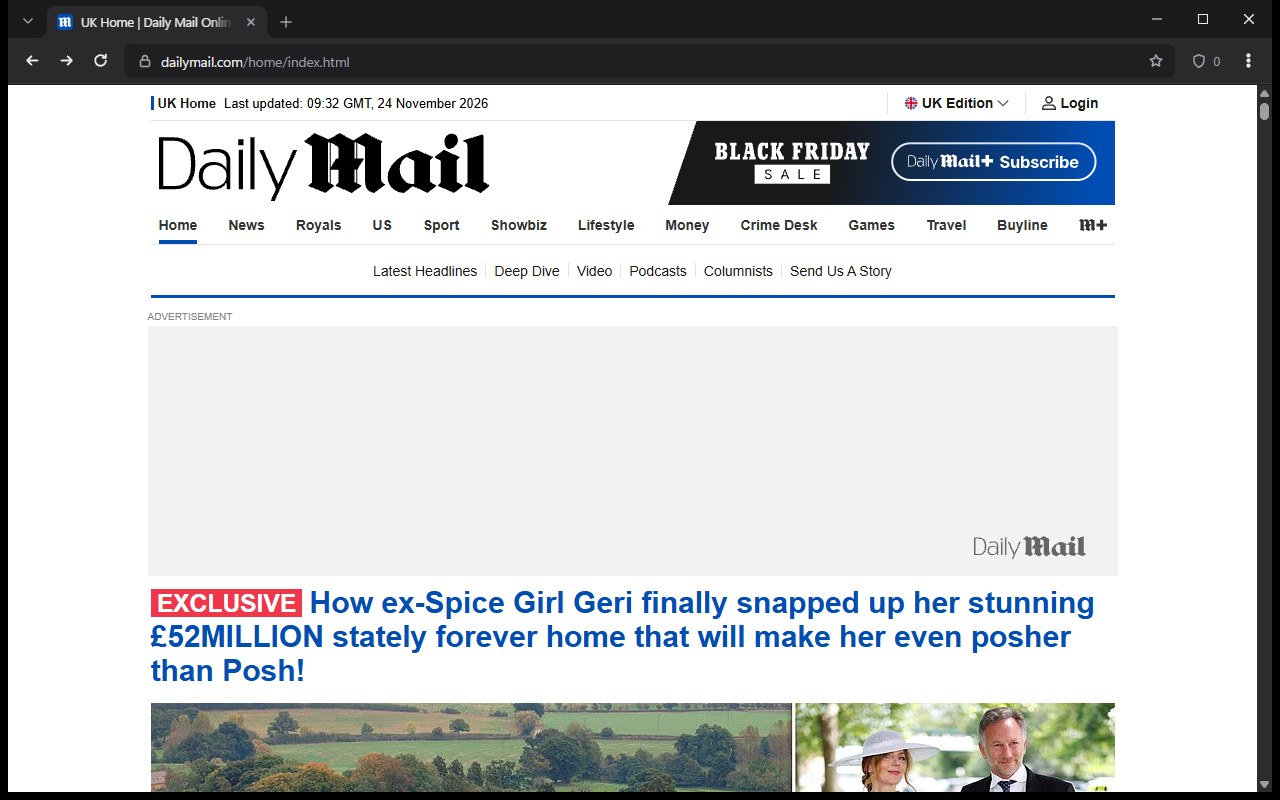
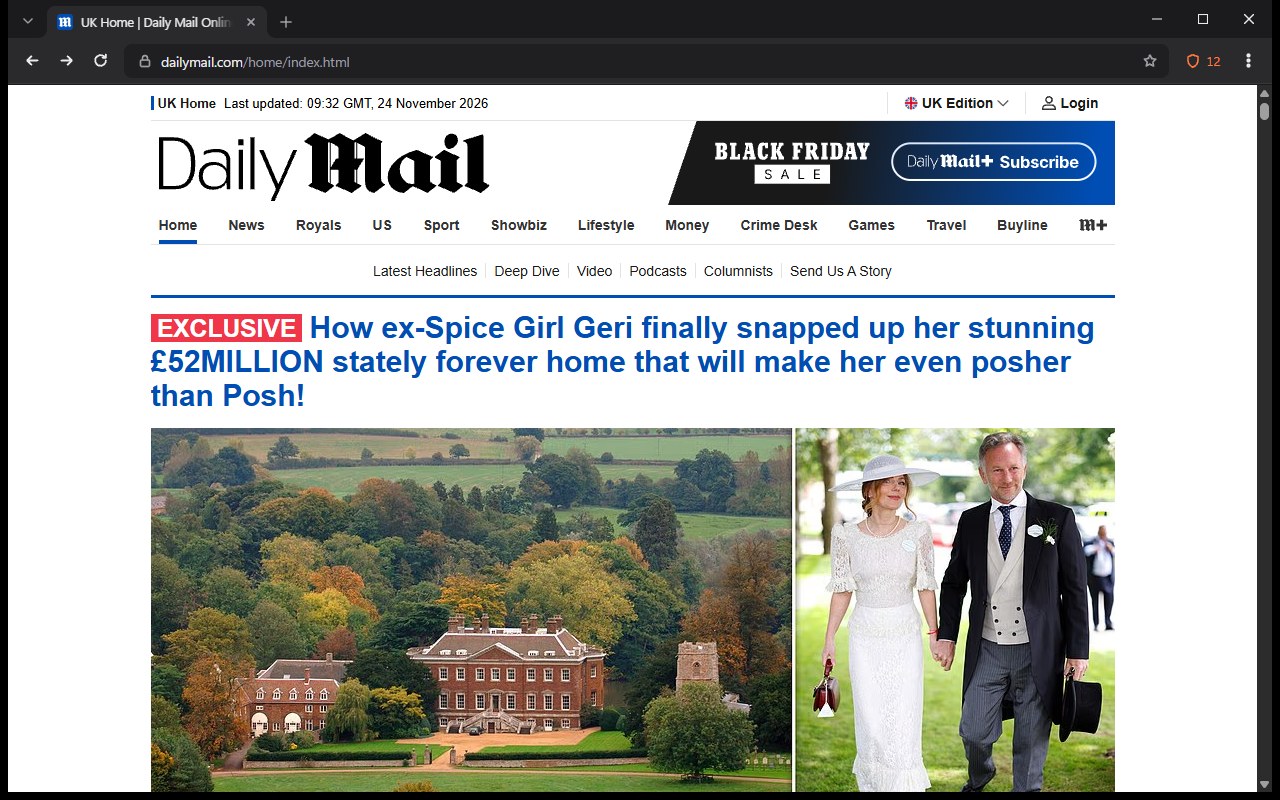 Blocker offKvikk
dailymail.co.uk, two real screenshots of Kvikk. Only the box labelled ADVERTISEMENT goes. 12 requests cancelled.
Five tabs open, one PC, one run.
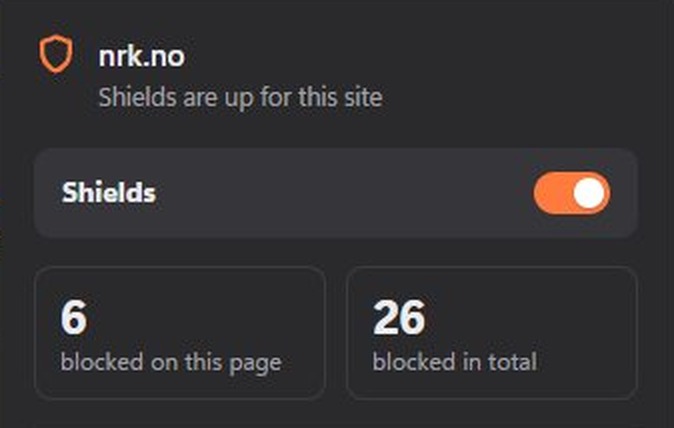
Camera, mic and location stay off until you allow them.
| ad placements | 1 → 0 |
| player ads | 1 → 0 |
| ad slots | 3 → 0 |
Counted in one video. Beta, so it will need fixes.
| Saver | 800 MB, 50 % CPU |
| Balanced | 1.5 GB |
| Performance | no limits |
Windows enforces the caps. A game in fullscreen drops Kvikk to 10 %.
The installer, because it borrows the Chromium Windows already has.
Beta. It works, and it is not finished: no sync, Windows only, unsigned installer. The whole honest list
kvikk-setup-0.7.7.exe, 2 MB, works offline, sha256. Windows SmartScreen may warn once because it is not code-signed yet: "More info", then "Run anyway".